
Peligent

AI Features

AI Assistant

Chat with your store data

Photo Enhancement

AI product photo editing

Content Generation

AI product descriptions

Bulk Edit

Edit products in bulk with AI

AI Bots

Retention Bot

Monthly customer retention reports

Speed Monitor

Weekly page speed analysis

Plugin Health

Daily plugin conflict checks

Error Log

Daily error log pattern analysis

Growth Advisor

Weekly revenue opportunities

See all features See all bots
Pricing Blog About
Sign In Get Started Free

AI Features

AI Assistant Photo Enhancement Content Generation Bulk Edit

AI Bots

Retention Bot Speed Monitor Plugin Health Error Log Growth Advisor
Pricing Blog About
Sign In Get Started Free
Back to Blog
Topic

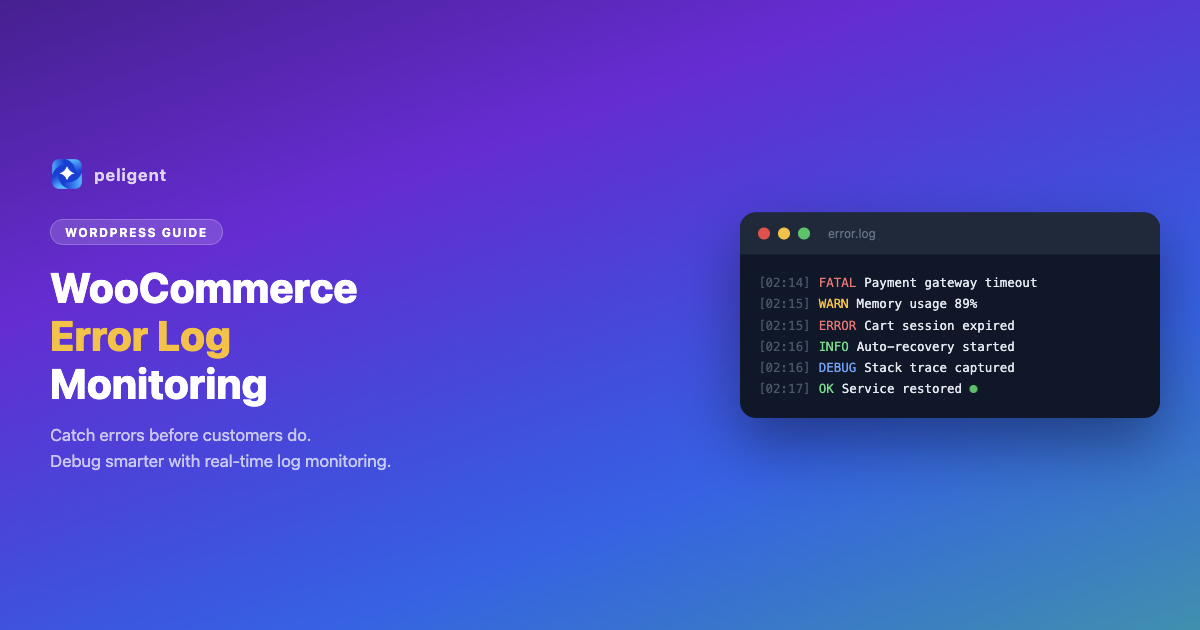
WooCommerce Error Log Monitoring: How to Find and Fix Store Issues Before Customers Do
WooCommerce

WooCommerce Error Log Monitoring: How to Find and Fix Store Issues Before Customers Do

Table of Contents 1. Why WooCommerce Error Log Monitoring Matters 2. Where to Find WooCommerce Error Logs 3. Types of Errors You'll Encounter 4. How to Enable WordPress Debug Logging 5. Reading and Interpreting Error Logs 6. Common WooCommerce Errors and How to Fix Them 7. Automating Your

Wana Daliri · Mar 4, 2026 · 10 min read
Peligent

We help WooCommerce shop owners save time with AI and expert development.

[email protected]

Company

  • About Us
  • Pricing
  • Partner Program
  • Contact
  • Careers
  • Blog

Features

  • AI Assistant
  • Photo Enhancement
  • Content Generation
  • Bulk Edit

AI Bots

  • Retention Bot
  • Speed Monitor
  • Plugin Health
  • Error Log Bot
  • Growth Advisor

Compare

  • Peligent vs 5 Plugins
  • Peligent vs Shopify

Legal

  • Privacy Policy
  • Terms of Service

© 2026 Peligent. All rights reserved. Built in Toronto, Canada.