AI Workflow Automation for Small Business: A Practical Guide
Choose a repeat task, compare rules with AI, score the workload, and design approvals and recovery before you connect your business tools.
AI workflow automation for small business connects everyday tools and uses AI to interpret messages, sort information or draft work. Rules handle predictable steps, and a person approves consequential actions. Start with one repeat process, measure its manual workload, and test whether automation reduces work without adding errors.
Key takeaways
- Plain automation follows fixed rules. AI automation can also read messy input, sort it and write a first draft.
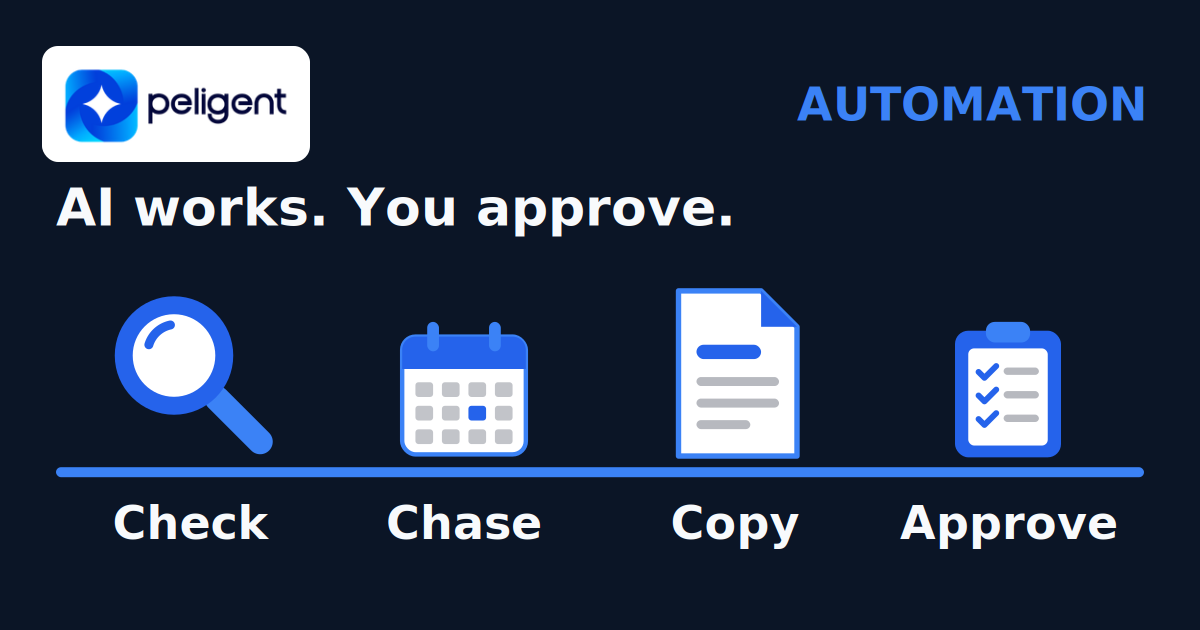
- Start your shortlist with checking, chasing and copying.
- Pick your first process with a score: how often it runs, minutes each time, and what a slip costs.
- Connect useful steps while keeping human approval and a manual fallback.
- Tools range from no-code apps to self-hosted workflow tools to custom code. Check connections, controls and maintenance needs.
On this page
- What is AI workflow automation?
- What do business AI adoption surveys show?
- Which tasks should a small business automate first?
- What does an automated morning shift look like?
- How do you pick your first process?
- Where should a person approve the work?
- Who gets access, and where does the data go?
- Which automation tools fit a small business?
- What affects running costs and return?
- How do you start with one workflow?
- Frequently asked questions
What is AI workflow automation?
A workflow turns an input into a finished result, such as an enquiry into a reply and a CRM record. Automation connects the steps. AI can help interpret free-form messages or draft text inside that process.
Use fixed rules when the answer is already in a field: route a form by its selected topic, check whether an invoice is overdue, or stop a reminder when a reply arrives. Use AI when the input needs interpretation, such as identifying the request in a long email. Check its output before acting on it.
| Task | Fixed rules | Possible AI step |
|---|---|---|
| Route an enquiry | Use the selected department | Suggest a category from the message |
| Prepare a reply | Insert approved template fields | Draft an answer for review |
| Follow up | Check reply status and due date | Draft wording from the conversation |
Not every workflow needs AI. Copying a field or checking a date usually calls for a rule, not a model.
What do business AI adoption surveys show?
In Statistics Canada's second-quarter 2025 survey, 12.2% of businesses reported using AI to produce goods or deliver services over the preceding 12 months, up from 6.1% in the 2024 survey.
The US Census Bureau reported overall AI use between 17% and 20% from December 2025 to May 2026. Its question covered any business function, so the two countries' figures are not directly comparable. These surveys measure AI adoption, not whether a particular automation will save your team time.
Which tasks should a small business automate first?
Look for repeat work with a clear input, owner and finished result. These three groups help you build a shortlist.
Checking
Check overdue invoices, stuck orders, unanswered leads or website errors. Rules can flag the exception; AI can summarise it for the owner. For store examples, see WooCommerce error log monitoring.
Chasing
Draft replies to new enquiries or reminders for missing documents. Check that the client has not already replied, paid or opted out before queuing a message for review.
Copying
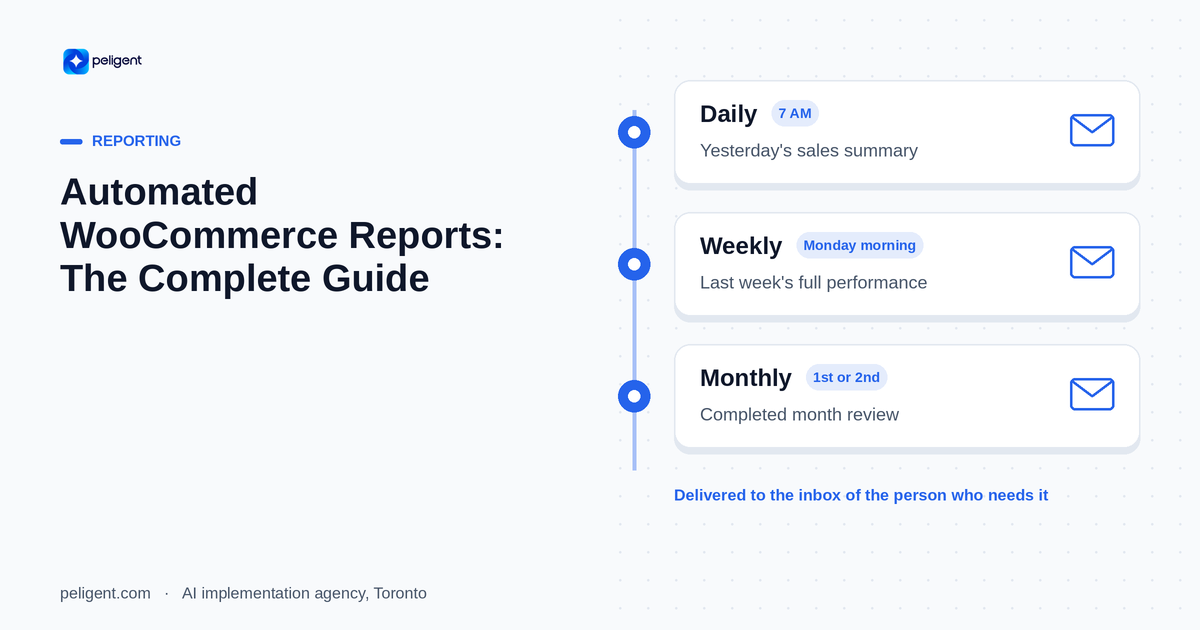
Move form fields into a CRM, extract details from a document, or assemble a weekly report. Keep calculations in rules or reporting software; AI can draft the commentary. Our automated WooCommerce reports guide covers a store use case.
Keep hiring decisions, unusual refunds, legal review and sensitive complaints with a person. AI can prepare information for that decision.
A research paper on connected AI tasks, first submitted in June 2026 and revised in October, finds automation clusters around neighbouring steps. It does not prove that full automation suits every business. The practical question is where a handoff creates avoidable copying, and whether connecting it is safe.
What does an automated morning shift look like?
In Peligent's agent fleet story, 13 AI agents and 26 automations prepare morning reports, content drafts and site checks on a schedule. Actions that matter wait for a person's approval by phone, and a watchdog retries failed jobs.
The useful pattern is a clear handoff: show the reviewer the draft, its source and the action awaiting approval. The following lead workflow is an illustrative design, not a screenshot or a client result.

In this example, a new enquiry starts the run. Rules check required fields and duplicates. AI reads the message and drafts a reply. A person checks it, then the system sends the approved version and records the result. A rejected draft returns for editing. A failed send goes to the owner for review before another attempt.
How do you pick your first process?
Use this rough prioritisation score to compare tasks. It is a planning aid, not a prediction of savings.
- How often does it run? Count times per week.
- How many hands-on minutes does it take each time? Only the time a person actually spends, not waiting time.
- What does a slip cost? Score 1 if a delay or mistake is a minor annoyance, 2 if it costs some money or goodwill, 3 if it loses a client, a sale or a deadline.
- Can you explain it in steps? Map the normal steps and the exceptions. If nobody can explain them, clarify the process first.
Then multiply: times per week x minutes each x slip cost. Rank by that score, then check feasibility, data quality and risk. A high score is not permission to automate a high-stakes decision. Keep approval before consequential actions.
Here is how the sheet might look for a small agency. The tasks and numbers below are an illustrative example, not client data.
| Process (example) | Times per week | Minutes each | Slip cost | Score |
|---|---|---|---|---|
| Reply to new website enquiries | 15 | 10 | 3 | 450 |
| Weekly client report | 6 | 40 | 2 | 480 |
| Chase overdue invoices | 5 | 15 | 2 | 150 |
| Post on social media | 5 | 20 | 1 | 100 |
In this example, the weekly client report and the enquiry replies come out on top. The report may be a better first pilot if its data is accessible and one person can check it. Enquiry replies score high on slip cost, so that automation would draft the answer and leave the send button with a person.
Name one owner and record the manual time and errors before building. Use that baseline to judge the pilot.
Where should a person approve the work?
Require approval before client-facing AI messages, payments, refunds, hiring decisions or irreversible changes. Low-risk labels can run automatically with sample checks.
The reviewer needs the source record, the proposed action and a way to edit or reject it. If the draft changes after approval, ask again. If approval expires, pause the run rather than send stale content.
What happens when a run fails?
- Log the input, result and approval without storing unnecessary sensitive data.
- Set retry limits and alert a named owner when a run cannot finish.
- Before retrying a send or payment, check whether the first attempt succeeded. Use a unique run ID to prevent duplicate actions.
- Keep a manual fallback and a clear way to pause the workflow.
Who gets access, and where does the data go?
- Limit access. A reporting workflow may need to read sales data, but not issue refunds.
- Assign roles. Decide who reviews drafts, approves money movements and changes the workflow. Remove access when people leave.
- Map data transfers. An external model call sends selected data to that provider. Check retention, training terms, hosting region and deletion controls before connecting customer records.
- Keep ownership. Keep accounts and recovery access under your company's control.
Canada's privacy commissioners recommend limiting collection, use and disclosure to the identified purpose in their generative AI principles. Check the rules for your jurisdiction and sector with counsel, particularly for health, legal or HR data.
Which automation tools fit a small business?
Choose by the connections you need, approval controls and who will maintain the workflow.
| Option | When to consider it | What to check |
|---|---|---|
| No-code workflow tools | Standard cloud apps and straightforward steps | Available actions, approval support, usage limits and ownership |
| Self-hosted workflow tools | A technical owner can operate the workflow server | Updates, backups, access controls and external data transfers |
| Custom code or a portal | You need shared review screens or connections packaged tools cannot provide | Build scope, documentation, handover and ongoing support |
Zapier and Make offer AI workflow features. These are vendor pages, not independent rankings. Test your actual apps and approval path before choosing.
n8n's hosting documentation confirms it can run on your own infrastructure. That hosts the workflow engine; it does not keep data local if a step calls an external model or app.
A custom business portal can give the team one place to review and approve work. Our portal guide explains when that extra interface is useful.
What affects running costs and return?
Budget for model usage, workflow subscriptions or hosting, and maintenance. Include time spent checking output, fixing exceptions and updating connections. Request a usage estimate based on a sample of your own tasks.
Measure completed work, not just runs. Compare manual time with automated time plus review and rework. Track missed replies, duplicate records and failed sends alongside hours saved. An automation may pay for itself, but only your results can establish that. Our AI implementation guide covers the wider project plan.
How do you start with one workflow?
- List repeat tasks and choose one with a clear owner and accessible data.
- Map the trigger, rules, AI step, approval, action and failure path.
- Test normal cases, missing fields, duplicates and misleading instructions inside messages.
- Run a pilot alongside the manual process. Avoid sending the same message from both.
- Switch only when the agreed accuracy and review-time targets are met. Keep checking results before expanding.
For help choosing who should build it, see AI agency vs in-house. Peligent's AI workflow automation service follows Audit, Design, Deliver: an audit takes 1 to 2 weeks, and design and delivery take 2 to 6 weeks, with an optional monthly run plan.
What should your pilot test?
Save a small set of representative inputs and the result you expect for each. Include a normal enquiry, a message without contact details, an existing client asking a new question, and the same request arriving twice. A useful test checks the whole outcome: the correct record, the correct owner, the reviewed reply and the run log.
Also test a disconnected account and an unavailable model. The workflow should pause or hand the task to a person, not invent missing information. Treat instructions inside incoming emails or documents as content to process, not permission to change the workflow or reveal other records.
Agree who can stop the pilot and what requires a fix before it resumes. Re-run these saved cases after changing a prompt, model or connection. This gives the team a practical way to detect a regression instead of relying on a few good-looking drafts.
Frequently asked questions
Do I need coding skills for AI workflow automation?
A visual builder can support a simple pilot. Get technical help when the work needs custom connections, sensitive data controls, approvals or reliable recovery. Someone must own maintenance even when there is no code.
What is the easiest workflow to automate first?
Start with a repeat task whose output someone can check quickly, such as an internal report draft or enquiry classification. Use rules alone if the task is only moving fields or checking dates.
Will AI automation replace my staff?
Do not assume a staffing outcome. In Statistics Canada's Q2 2025 survey, 89.4% of AI-using businesses reported no employment change after implementation. That is a historical survey result, not a prediction for your team. Discuss changing tasks and review duties with staff.
How do I know whether the pilot worked?
Compare completed tasks, hands-on time and errors against the manual baseline. Include approval and rework time. If quality falls or checking takes longer than doing the task manually, fix the design before expanding.
Bring one process and a sample input. Book a free call: 30 minutes to discuss where automation could help. No slides.
Written by
Wana DaliriAI content writer at Peligent. Covering WordPress, WooCommerce, and AI for e-commerce.
Get new guides by email
Practical AI for shops, agencies and firms. No spam.